Loading page
Downloads
Open Roveya Admin on the web, get the mobile apps, and view or download product overviews and practical guides.
Roveya products
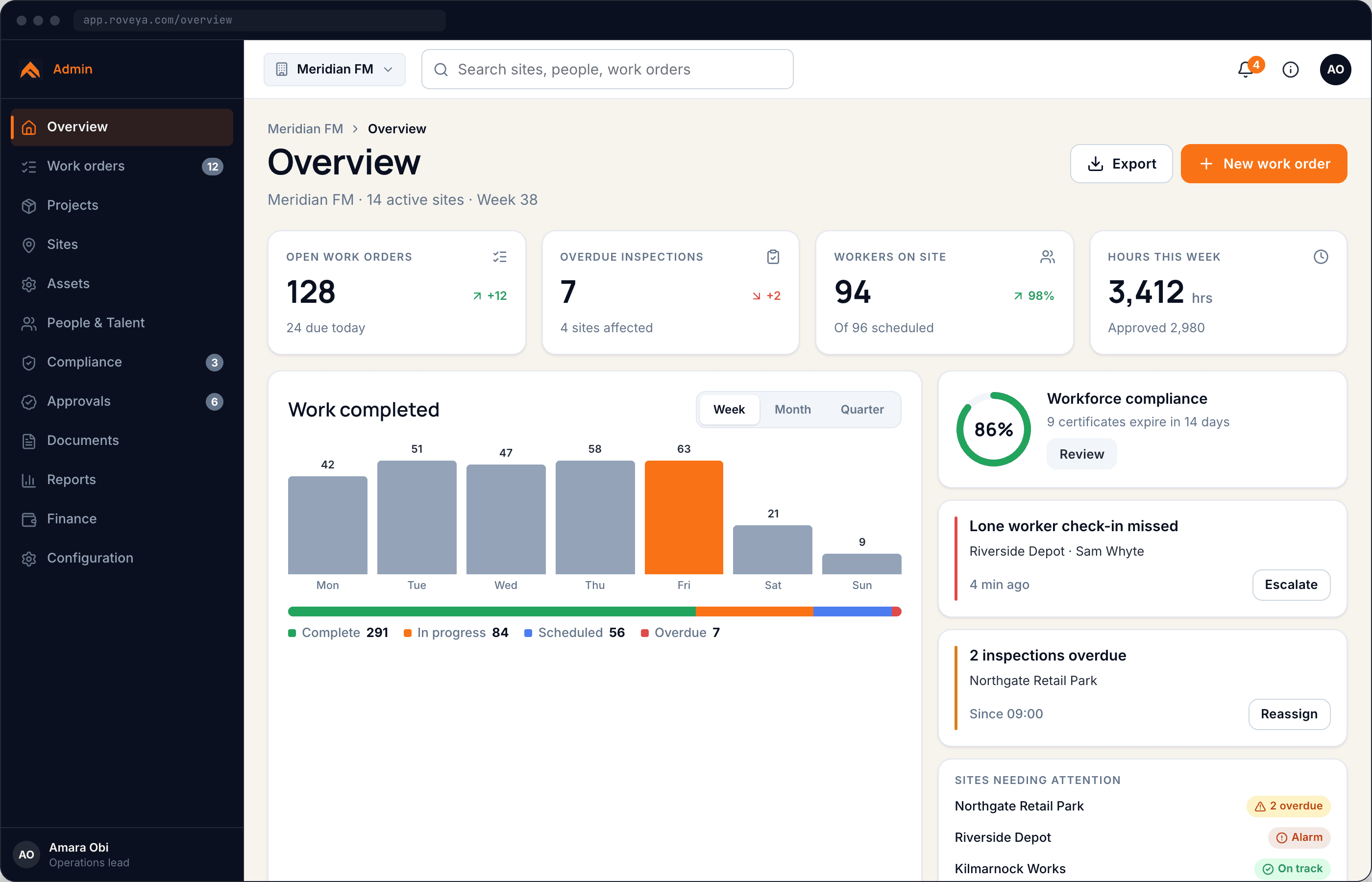
Back-office control for projects, people, compliance, finance, assets and operational reporting. Runs in a supported browser, with nothing to install.
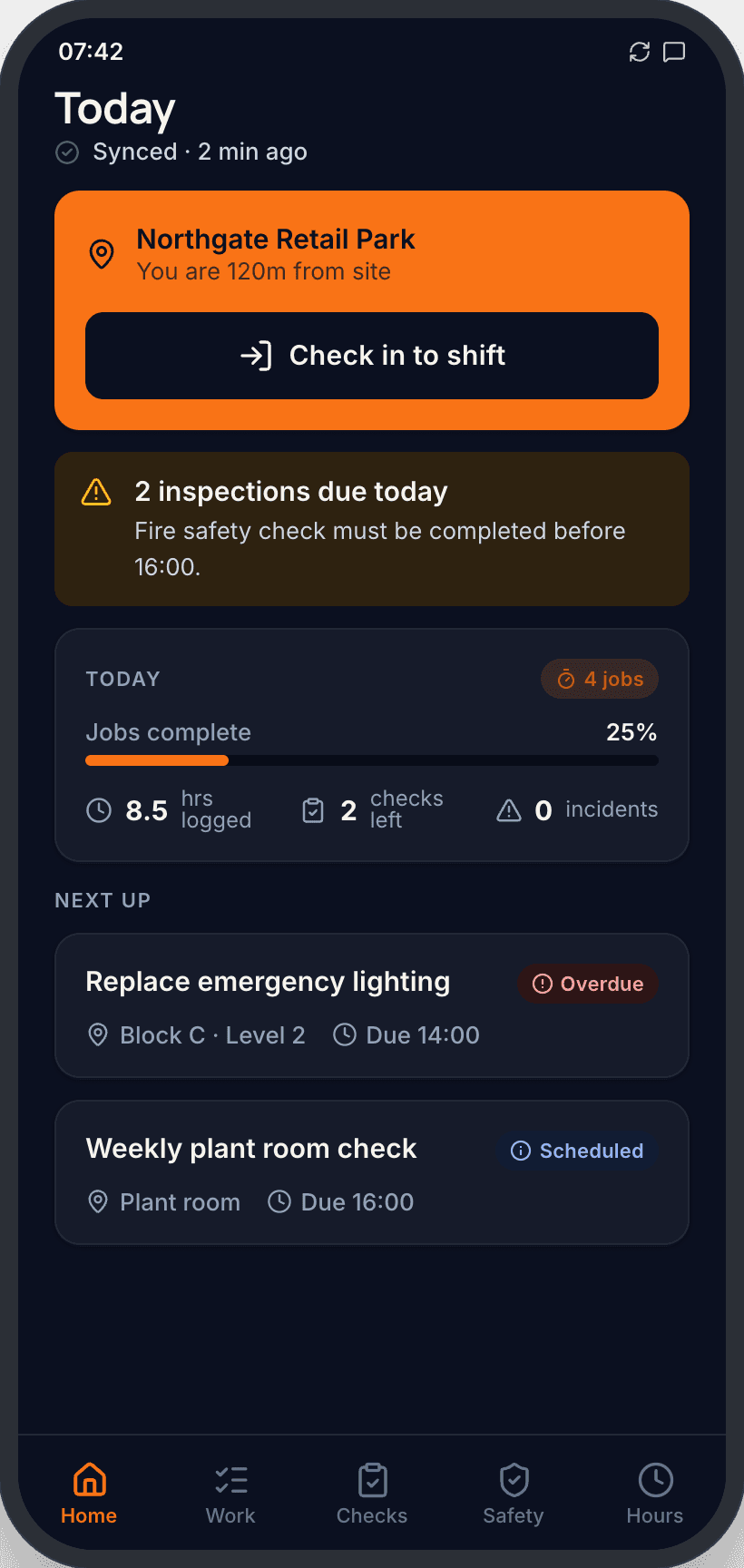
Sign in to AdminField operations for work, inspections, evidence, documents, assets and safety activity, including offline working.
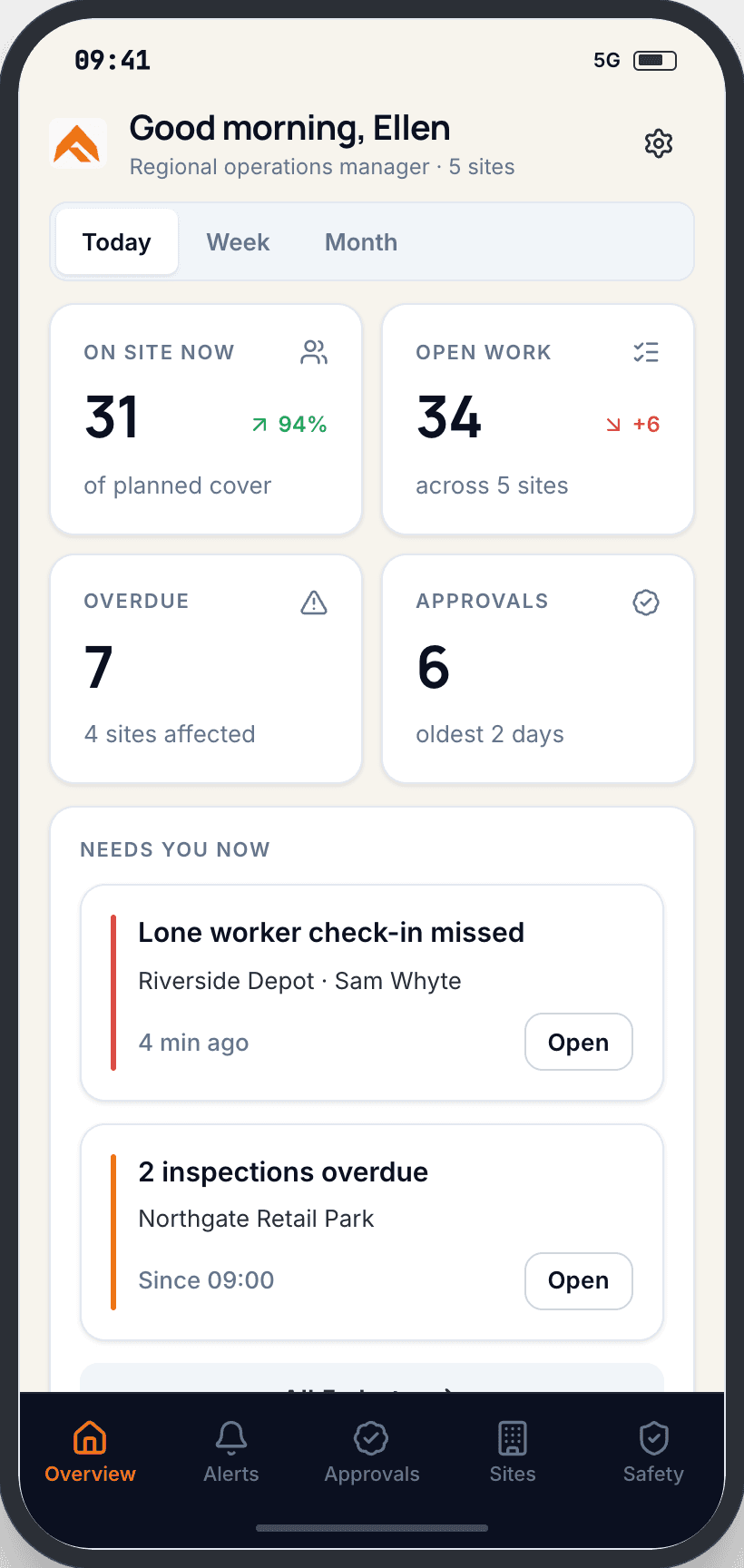
Get the appManagement on the move: alerts, approvals, exceptions and operational visibility.
Get the appMobile access
Ops for the people doing the work, Hub for the people responsible for it. Store listings show here as they go live.
Product information
Product and implementation overviews, and practical operational guides. Each available document shows its PDF size.
Ten pages: the platform, the sectors we serve and how we work with you. Also readable online.
A concise introduction to Admin, Ops and Hub.
Back-office control, module by module.
Field execution on mobile, including offline working.
Management visibility, alerts and approvals.
How access, tenancy and the operational record are controlled.
What rolling Roveya out across an operation involves.
A practical checklist for field operatives and supervisors working across sites and service activities.
A practical guide for teams that need a clear record of work, checks, exceptions and follow-up.
A practical checklist for preparing a new site, contract or service before the first shift or activity.
A practical guide to checking people, requirements and arrangements before assigning work.
A practical workflow for preparing, checking and following an application for payment.
Help and installation
Setup, access and practical product guidance.
Visit Help CentreHaving trouble signing in or getting access?
Get supportInstalling or updating the Ops and Hub apps on a work device.
Ask the support teamNext step
A working session focused on your sites, teams and workflows.