
Loading page
Roveya Ops
Roveya Ops gives field teams one mobile workspace for their work, checks, evidence, safety and site activity — connected directly to the same operational record used by the back office.
MobileField operations
Evidence detail
Emergency lighting operational
PassFailN/A
3 photos attached · signature stored with the record
One field app
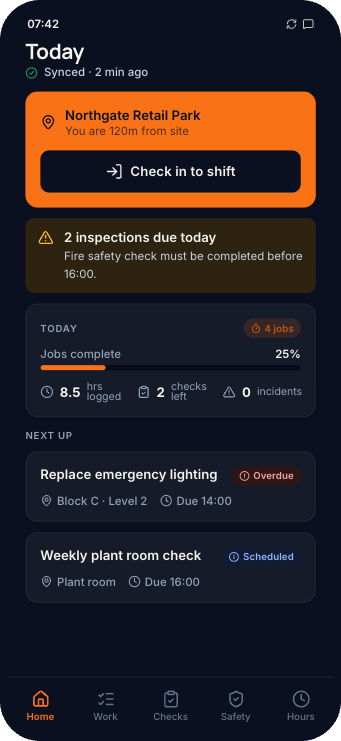
Ops brings the operative’s workday into one place — site status, tasks, work orders, inspections, safety checks and evidence.
Site, sync state, clock-in and the work that needs attention first.
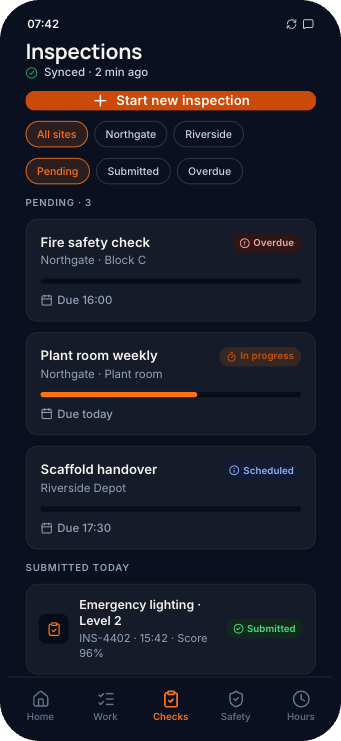
Start a check, filter by site, category or status, and see pending and submitted states in one list.
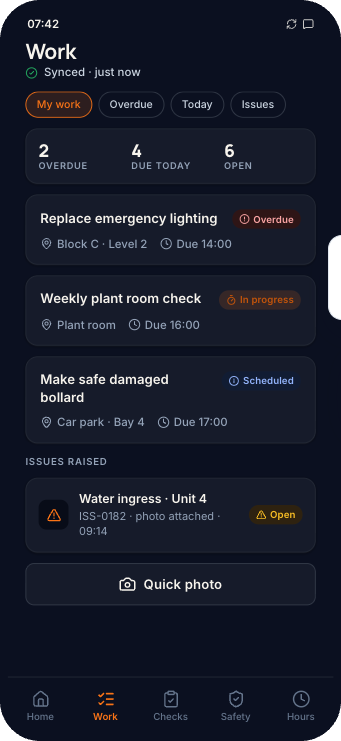
Assigned work, tasks and issues stay with the operative in the app — not buried in email, paper or group chats.
A protected session runs alongside the work, with check-ins on a schedule and one control to raise help.
Inspections, documents, assets, inventory, sites and team, grouped the way the app is.
A shift in Ops
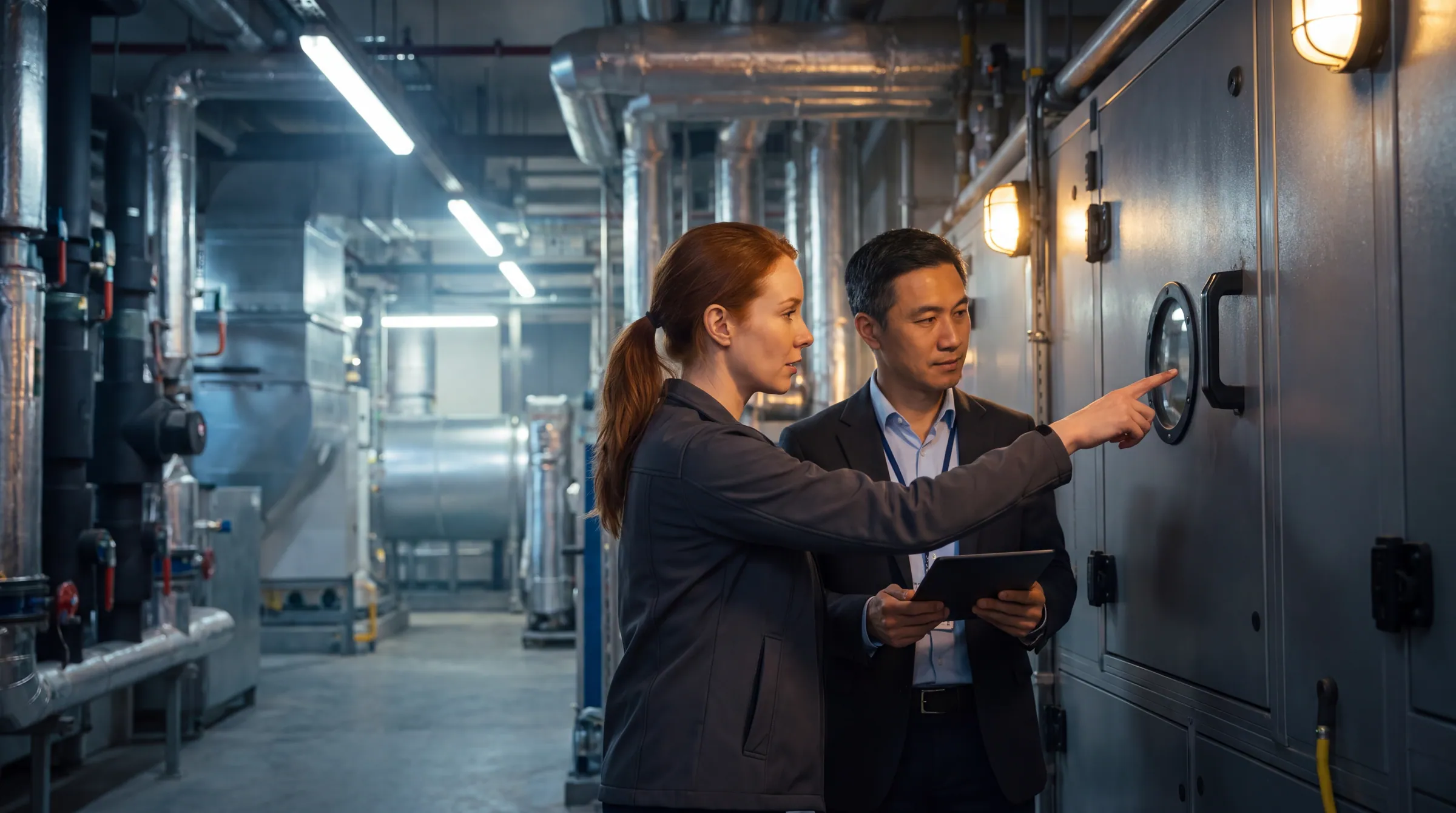
01 · Arrive
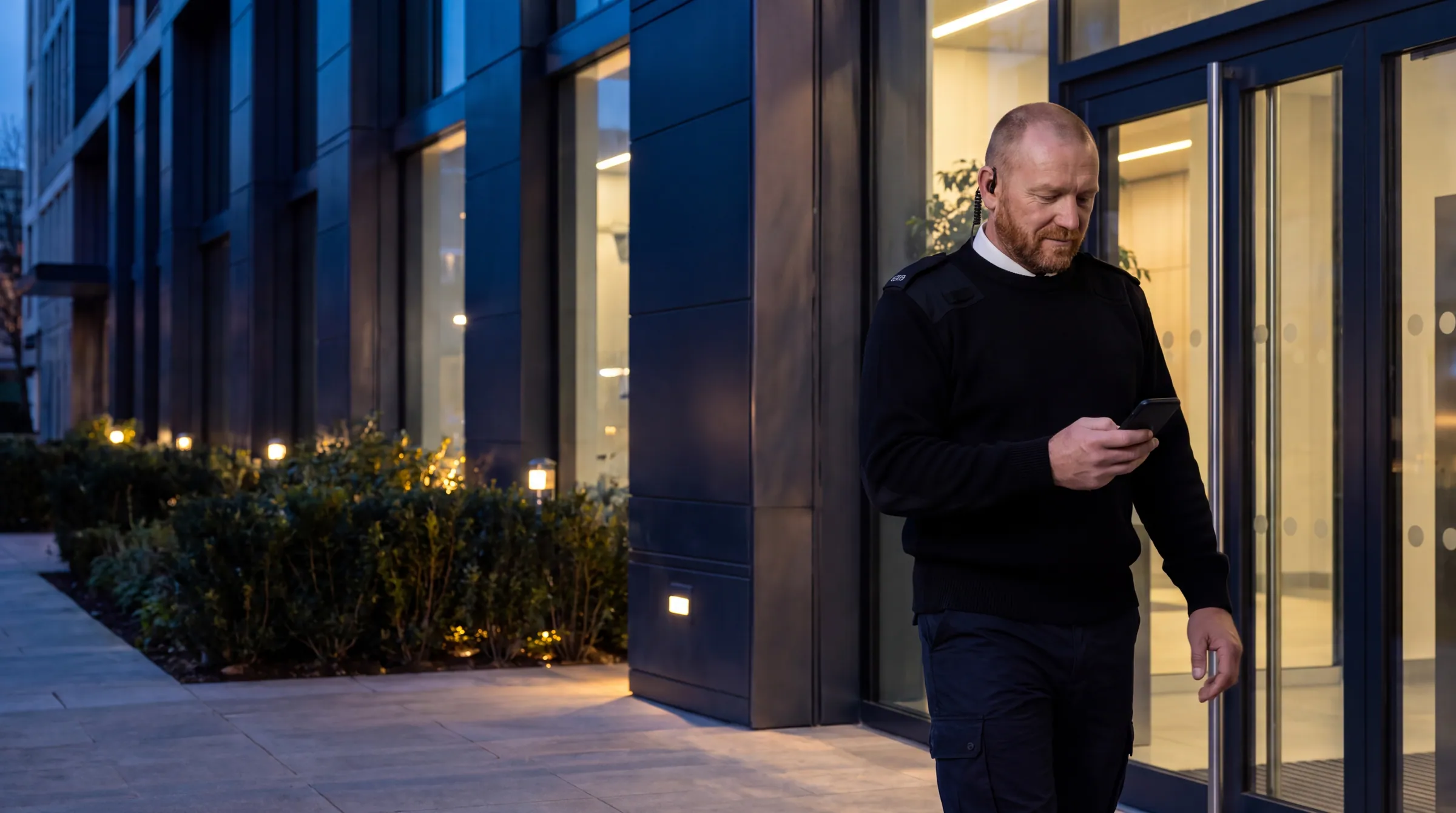
Today's work, site information and the documents for the job, before the first task starts.

02 · Check
Answers, photos and signatures recorded against the site and the job, then sent to the office.
03 · Stay safe
A session runs alongside the work, with scheduled check-ins and an SOS that reaches a manager in Hub.

04 · Sync
Work is held on the device in the order it was done, and syncs the moment the connection returns.
Inspections
Complete inspections on site, record evidence and submit the result without leaving the job.
Submitted inspections land on the connected back-office record, so the evidence is already where the office needs it.
FD-Monthly · Northgate Retail Park · In progress
Monthly fire safety check
Evidence · 3 photos attached
Signature · stored with the record
Lone worker
A protected session runs alongside the work: check-ins on a schedule, location on the record, and one control to raise help.

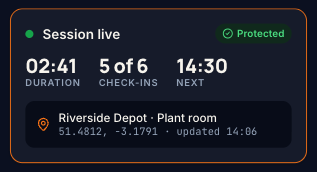
Roveya Ops · Lone worker session · Example data shown.
Documents
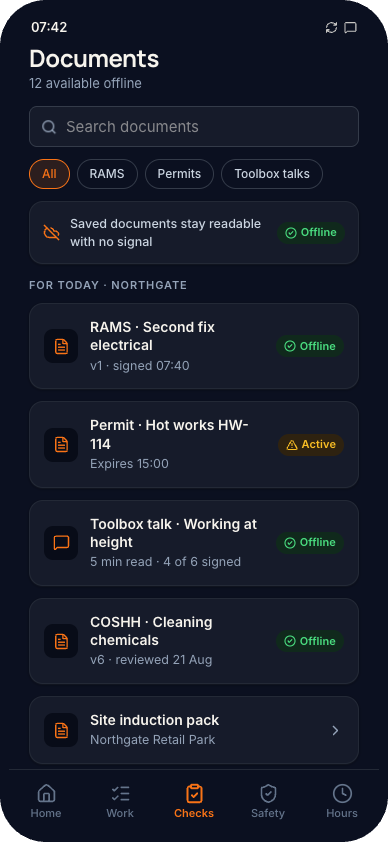
RAMS, permits and toolbox talks for today’s site — searchable, and readable with no signal.
RAMS · Permits · Toolbox talks · Search · Offline
Teams keep access to the documents already saved to the device, so a poor signal does not stop the work.
Assets & inventory
Plant and equipment on site, who holds it, and what is due an inspection.
Available · Maintenance · Checked out
Van and site consumables counted against the minimum level they need to stay above.
Low stock · Minimum level · Available quantity
Summary of Roveya Ops Assets and Inventory · Example data shown. Stock levels are updated by a person; nothing is ordered automatically.
Built for site
Roveya Ops is designed around real field environments, where connectivity can be inconsistent and critical information still needs to remain available.
Only the workflows the product actually supports offline are claimed here. Where a capability needs a connection, the app says so on the screen.
One connected record
What the field captures is what the back office works from, so it does not need typing up again.
Roveya Ops captures
Roveya Admin uses
Field tools
All three read and write the same operating record, so a decision made in Hub is the same record Ops and Admin work from.
Evidence captured at source · Timestamped and attributable · Works offline where supportedSecurity & Trust →
